- Klienditugi E-P 9-21:00 Infotelefon 800 3686 9-21:00 Infotelefon: 800 3686 Kauplused
-
Minu konto
-
Minu Photopoint
-
Oled uus klient?
Loo konto
-
Toode on lisatud ostukorvi
Sinu ostukorvis on 0 toodet. Sinu ostukorvis on 1 toode.
Kuumakse al. 5 €
Soovi korral taotle järelmaksu ostukorvis
Lisades tellimusse veel 99 € eest tooteid saad tasuta transpordi pakiautomaati või kulleriga koju.
-
Kaamerad
- Peegelkaamerad
- Hübriidkaamerad
- Kompaktkaamerad
- Seikluskaamerad
- Videokaamerad
- 360 kraadi kaamerad
- Autokaamerad
- Rajakaamerad
- Turvakaamerad
- Veebikaamerad
- Kiirpildikaamerad
- Filmiga fotokaamerad
- Ühekordsed kaamerad
- Kõik kategooriast kaamerad
Fotokaamerad
Videokaamerad
Analoogkaamerad
- Canon peegelkaamerad
- Nikon peegelkaamerad
- Pentax peegelkaamerad
- Fujifilm Instax kiirpildikaamerad
- Polaroid kiirpildikaamerad
- Canon kiirpildikaamerad
- Kodak kiirpildikaamerad
- DJI kaameradroonid
Top peegelkaamerad
Top kiirpildikaamerad
Top kaameradroonid
- Sony hübriidkaamerad
- Fujifilm hübriidkaamerad
- Panasonic hübriidkaamerad
- OM System hübriidkaamerad
- Canon hübriidkaamerad
- Nikon hübriidkaamerad
- Sony täiskaader hübriidkaamerad
- Panasonic täiskaader hübriidkaamerad
- Nikon täiskaader hübriidkaamerad
- Canon täiskaader hübriidkaamerad
Top hübriidkaamerad
Top täiskaader hübriidkaamerad
- 0 - 25 €
- 25 - 100 €
- 100 - 250 €
- 250 - 500 €
- 500 - 1000 €
- 1000 - ... €
- Canon
- Nikon
- Pentax
- Sony
- Fujifilm
- OM System
- Panasonic
- GoPro
- Polaroid
- Ricoh
Hinnaklass
Bränd
-
Fotokaubad
- Objektiivid
- Filtrid
- Telekonverterid
- Vaherõngad
- Päikesevarjukid
- Objektiivi adapterid
- Objektiivi vutlarid
- Videovalgustid
- Välgud
- Välgupäästikud
- Statiivid
- Statiivipead
- Üksjalad
- Kaamera stabilisaatorid
- Kõik kategooriast fotokaubad
Objektiivid ja tarvikud
Välgud ja videovalgustid
Statiivid
- Kaamera mikrofonid
- Videomonitorid
- Kaugjuhtimine
- Patareitallad
- Seikluskaamerate tarvikud
- Mälukaardid
- USB mälupulgad
- Välised kõvakettad
- Toorikud
- Filmid
- Mälukaardilugejad
- Kaamerakotid
- Kaamerarihmad
- Vihmakaitsed
Kaamera lisatarvikud
Salvestusmeedia
Fotokotid ja tarvikud
- Pildiraamid
- Albumid
- Paspartuud
- Fotokarbid
- Fotonurgad ja liimid
- Ekraani kaitse
- Sensori puhastus
- Puhastuskomplektid
- Puhastuslapid
- Puhastuspliiatsid
- Puhastusvedelikud
- Kemikaalid
- Fotopaber
- Laboritarvikud
Arhiveerimistarvikud
Puhastus ja kaitse
Labor
-
Arvuti & IT
-
Elektroonika
- Autoraadiod
- Auto helisüsteem
- GPS seadmed
- Telefoni autohoidikud
- Autolaadijad
- Autokaubad
- Televiisorid
- Kodukino komplektid
- DVD ja Blu-ray mängijad
- Ressiiverid ja võimendid
- Projektorid
- Meediapleierid
- Mängukonsoolid
- Digitaalsed pildiraamid
- Droonid
- Kaugjuhitavad mänguasjad
- Kõik kategooriast elektroonika
Autosse
Elutuppa
Õue
-
Kodu & aed
-
Ilu & tervis
- Naiste parfüümid, lõhnad ja lõhnaõlid
- Tualettveed naistele
- Kölni veed naistele
- Lõhnakomplektid naistele
- Meeste lõhnad, parfüümid ja lõhnaõlid
- Tualettveed meestele
- Kölni veed meestele
- Lõhnakomplektid meestele
- Unisex parfüümid
- Unisex Kölni veed
- Päevituskreemid
- Päikesekaitsekreemid
- Päevitusjärgsed kreemid
- Kõik kategooriast ilu & tervis
Naiste lõhnad
Meeste lõhnad
Unisex-lõhnad
Päevitus
- Dušigeelid
- Deodorandid
- Seebid
- Desinfitseerimisvahendid
- Ihupiimad
- Kehakreemid
- Kätekreemid
- Epilaatorid
- Karvaeemaldus
- Massaaživahendid
- Näokreemid
- Näoseerumid
- Näomaskid
- Silmaümbruse kreemid
- Näokoorijad
- Näopuhastajad
Hügieen
Keha- ja nahahooldus
Näohooldus
- Elektrilised hambaharjad
- Suupesurid
- Hambapastad
- Pardlid ja habemeajamismasinad
- Habemepiirajad
- Habeme hooldusvahendid
- Žiletid
- Küünelakid
- Küüneviilid
- Maniküüri ja pediküüri komplektid
- Jalavannid
- Päikeseprillid
- Sinise valguse prillid
- Ehted
Suuhooldus
Habemehooldus
Maniküür ja pediküür
Aksessuaarid
-
Sport & hobi
- Nutikellad meestele, naistele ja lastele
- Nutivõrud
- Spordikellad
- Spordikellade ja nutikellade rihmad
- Käsi-GPS'id
- Pulsiandurid
- Jalgrattad
- Lasterattad
- Tõukerattad
- Rulluisud
- Fitness
- Trenažöörid
- Jõusaalivarustus
- Spordikotid
- Nutikaalud
- Kaalud
- Vererõhumõõtjad
- Termomeetrid
- Kõik kategooriast sport & hobi
Spordikellad
Spordikaubad
Terviseseadmed
- Aiatööriistad
- Aiatehnika
- Akutrellid
- Lööktrellid
- Juhtmega trellid
- Kruvikeerajad
- Tööriistakomplektid
- Multitööriistad
- Ketassaed
- Nurklihvijad
- Liimipüstolid
- Loodid
- Mõõdulindid
- Kruvid, naelad, tüüblid jm
- Tööriided ja kaitsevahendid
- Kõik kategooriast "Tööriistad"
- Valuveljed
- Rehvid
- Esitulede pirnid
- Klaasipuhastajad
- Varuosad
- GPS seadmed
- Kõik kategooriast "Autokaubad"
Tee seda ise
Autokaubad
-
Mänguasjad
- Kaugjuhitavad mänguasjad
- Kaugjuhitavad autod
- Kaugjuhitavad lennukid ja helikopterid
- Droonid
- Mänguasjad õue
- Mänguasjad randa
- Liivakasti mänguasjad
- Mängu- ja veepüstolid
- Pealeistutavad sõidukid
- Hüppepallid
- Pallid
- Mullitajad
- Mängumajad ja liumäed
- Kiiged
- Kõik kategooriast mänguasjad
Kaugjuhitavad mänguasjad
Aktiivne tegevus
- Pehmed mänguasjad ja mänguloomad
- Voodikarussellid
- Mänguasjad vanni
- Kõristid
- Beebipusled
- Närimisrõngad
- Tegelustekid
- Mängukeskused
- Puslematid
- Mänguautod
- Mängurongid
- Sõidurajad ja tarvikud
- Mudelid
- Mudelite värvid ja tarvikud
Beebid ja väikelapsed
Mängusõidukid ja mudelid
- Lauamängud lastele, täiskasvanutele, kogu perele
- Puslede müük firmadelt Ravensburger, Trefl ja mitmetelt teistelt
- 3D-pusled
- Kaardimängud
- Mängukaardid
- Interaktiivsed mänguasjad
- Laste rollimängud
- Muud mänguasjad
Lauamängud ja pusled
Kaardimängud
Muud mänguasjad
-
Auto
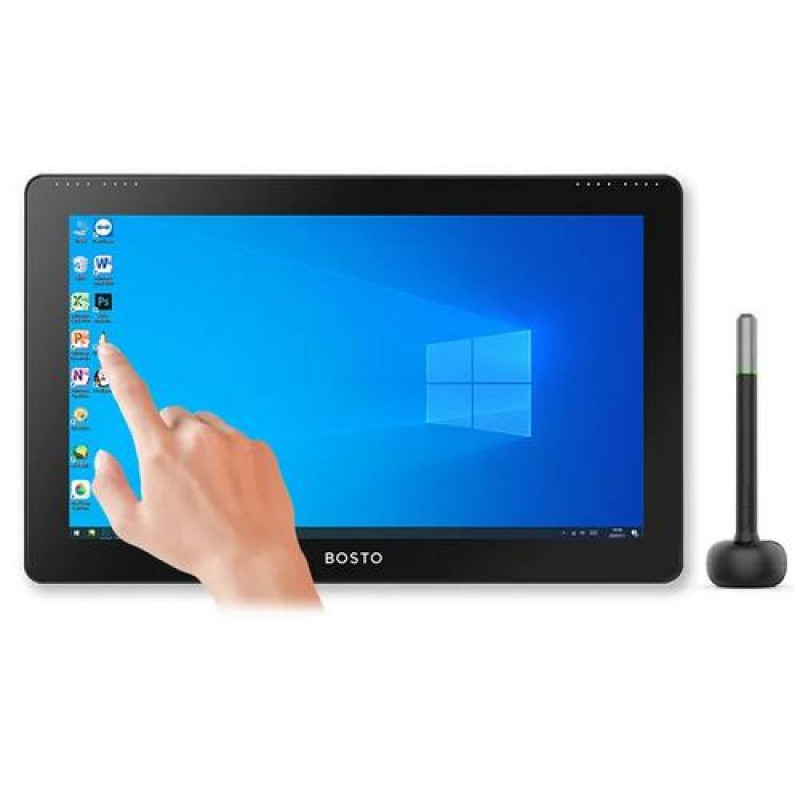
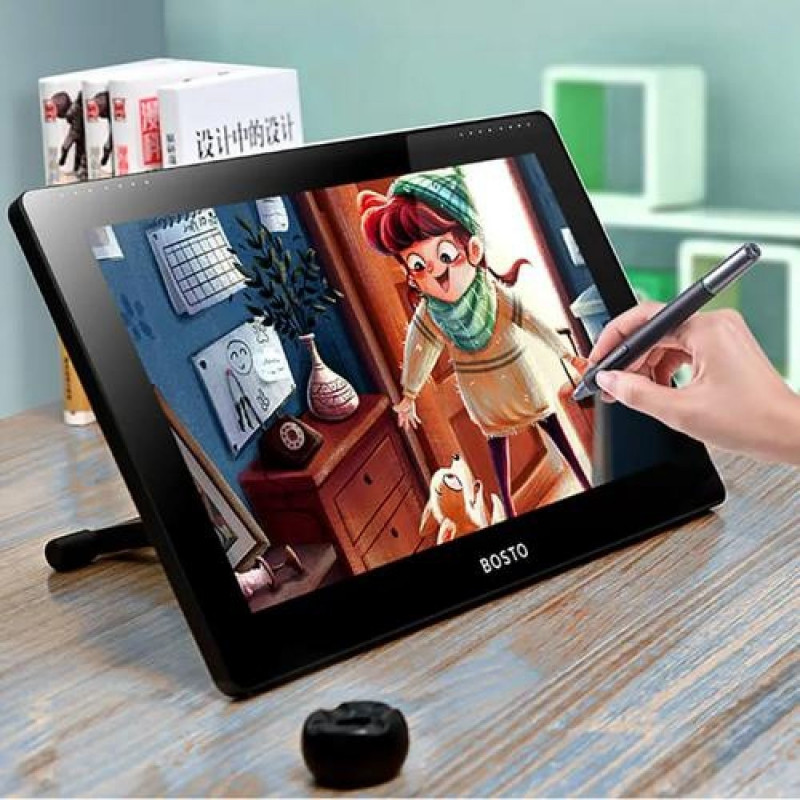
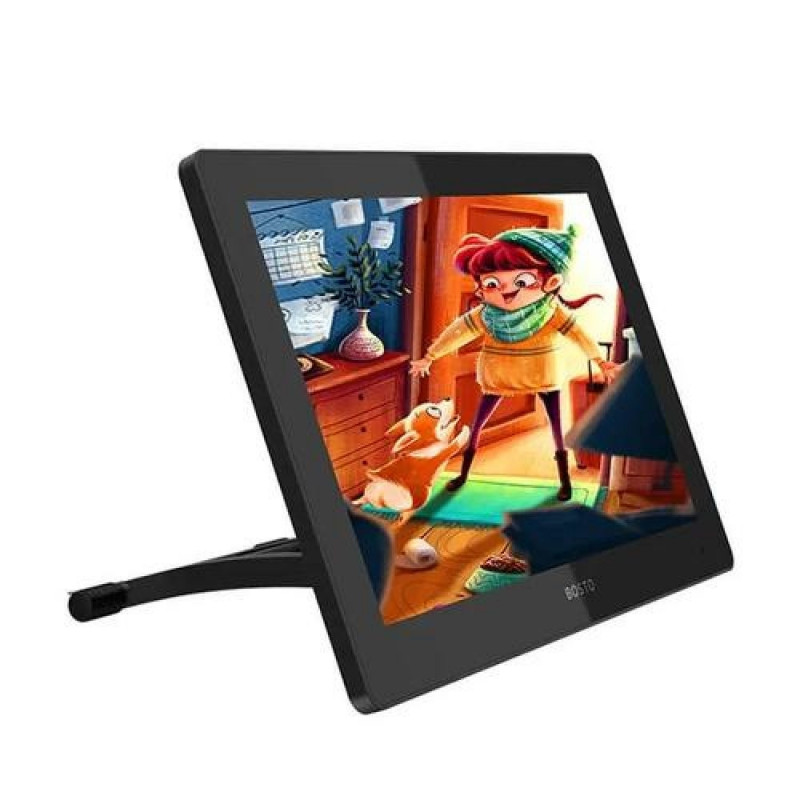
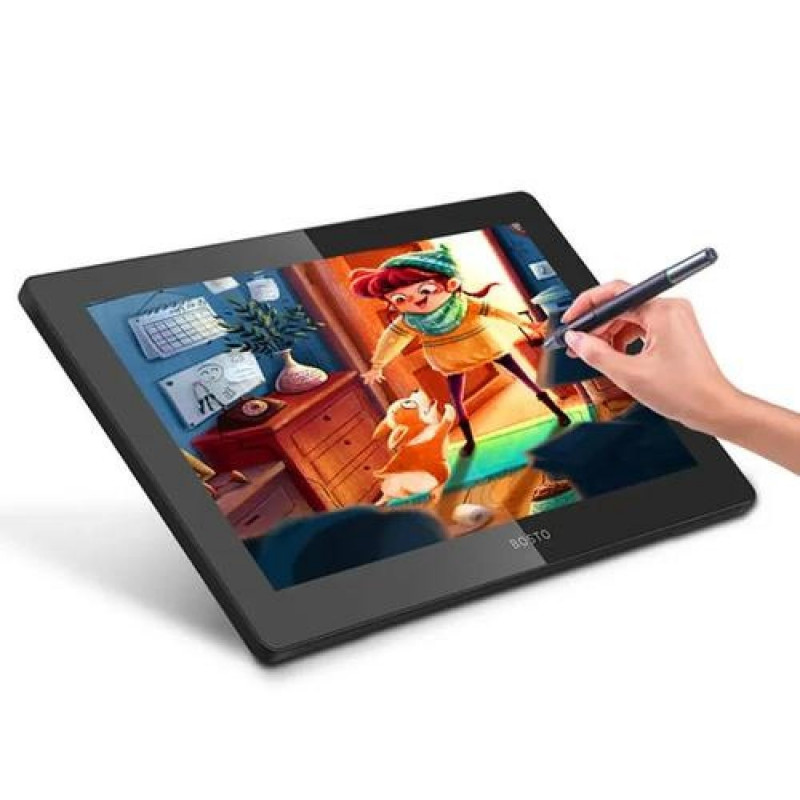
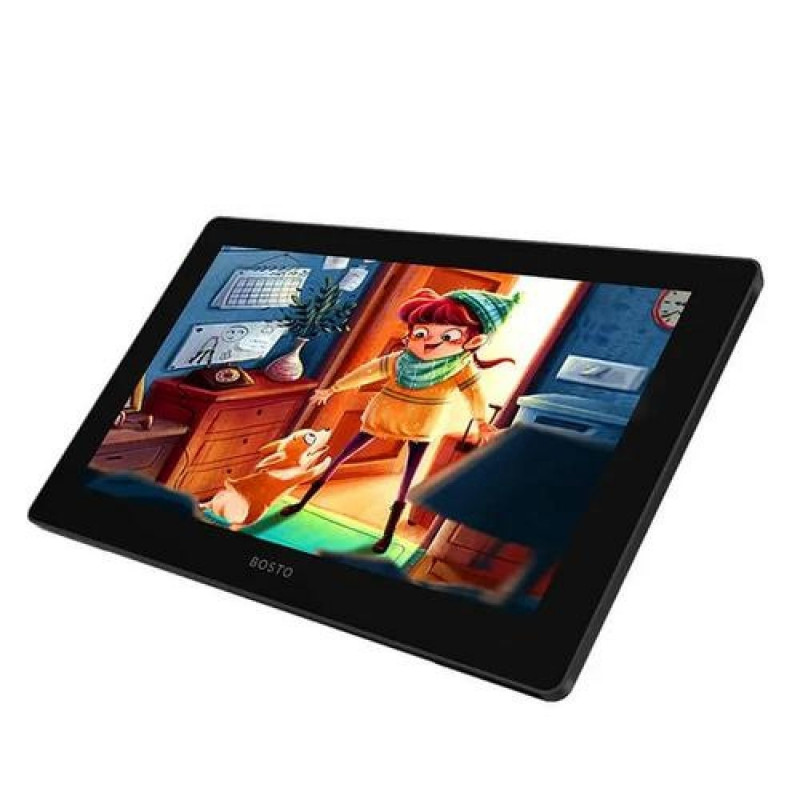
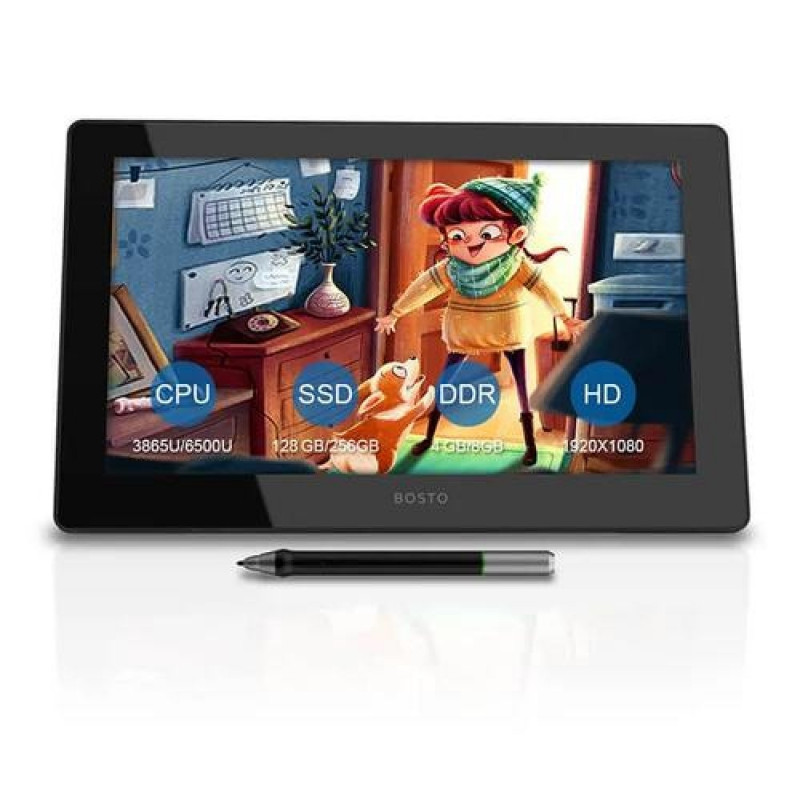
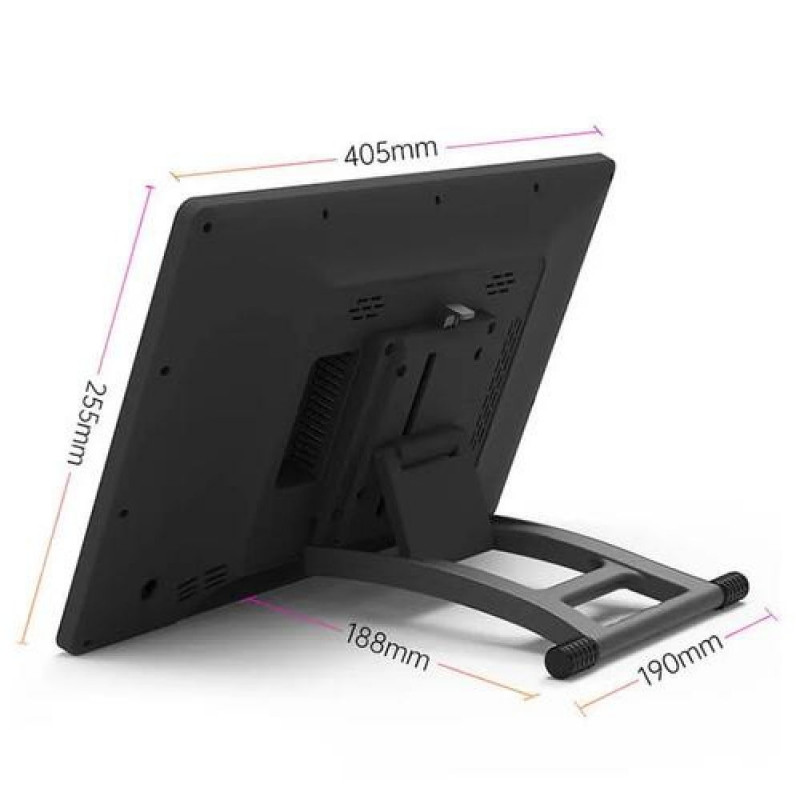
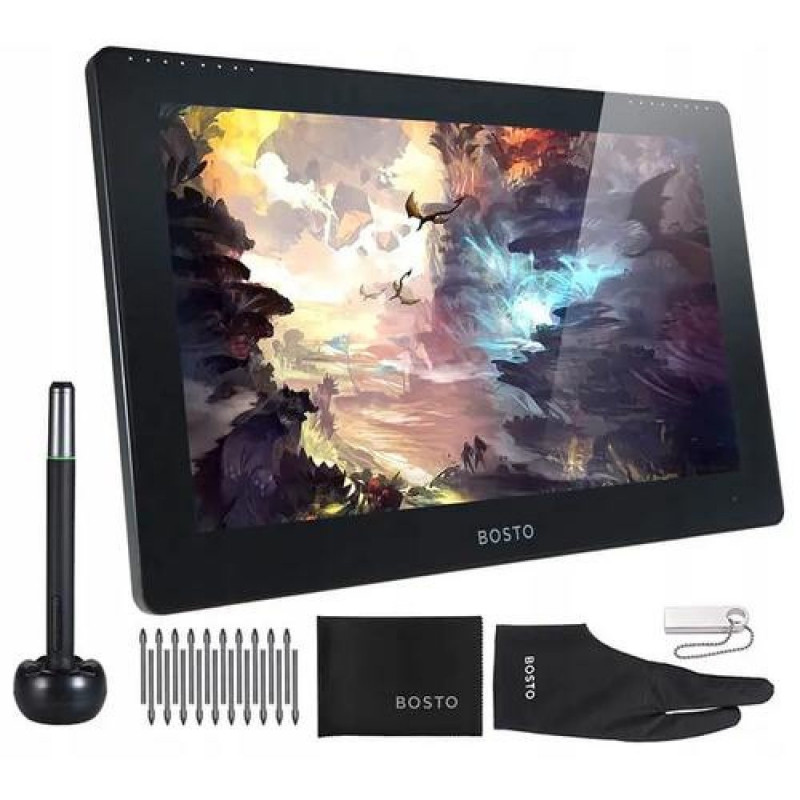
BOSTO Studio 16HDT graphic tablet Black 5080 lpi 345 x 195 mm USB
118-C1277385937
Põhiinfo
A tablet with a 15.6" screen diagonal with a pre-installed Windows 10 operating system that can be operated using a stylus and fingers.<br><br>A graphics tablet for everyone<br>It doesn't matter whether you are a graphic designer orToode on arhiivis, kuvatakse vaid informatiivsel eesmärgil.
Vabandage, tooteandmed on tõlkimisel. Kui vajate toote võõrkeelse teksti mõistmisel abi, andke sellest palun teada e-posti teel info@photopoint.ee. Saadame teile kiirelt soovitud tõlke.
A tablet with a 15.6" screen diagonal with a pre-installed Windows 10 operating system that can be operated using a stylus and fingers.<br><br>A graphics tablet for everyone<br>It doesn't matter whether you are a graphic designer or you are just planning to become one. The Bosto Studio 16HDT tablet is a good choice for everyone, regardless of their skill level. The Studio 16HDT model is an All-in-One graphic tablet with an LCD screen with a pre-installed Windows 10 operating system. The tablet can be operated with a stylus and fingers.<br><br><br><br>➡ Self-sufficient<br>The tablet works independently. In other words, it is a computer with its own processor, hard drive and RAM.<br><br>➡ Huge work surface<br>A screen with a diagonal of 15.6", 16:9 aspect ratio and a working surface of 344.16 mm x 193.59 mm allows for comfortable work. 15.6″ is the size of the most frequently purchased laptops.<br><br>➡ FHD 1920 x 1080 px display<br>The detail of the image allows you to create precise graphics. 1920 x 1080 px is the typical resolution of laptop displays.<br><br>➡ Millions... 16.7 million to be precise. True, COLORS, but maybe someday? Who knows.<br>The True Color standard and 8-bit color depth prevent banding. This means that the transitions between the displayed colors pass smoothly, without the impression of sharp and unsightly transitions.<br><br>➡ Gamut, i.e. a color gamut of 120% sRGB<br>Color space coverage of 120% sRGB ensures very good color reproduction on devices and in software involved in graphics processing (e.g. monitor, printer, tablet, digital camera). Thanks to this, the tablet screen offers great color reproduction.<br><br>➡ Wide viewing angles<br>Viewing angles: 178° (89°/89°) H (horizontal), 178° (89°/89°) V (vertical) allow for reliable reflection of contrast and colors regardless of the viewing angle of the screen.<br><br>➡ Compatibility<br>With the tablet you can work with graphic software such as: Photoshop, CorelDRAW, GIMP, Krita, Sketchbook, MediBang Paint Pro etc.<br><br>➡ Ergonomics<br>The anti-slip stand with an adjustable inclination angle in the range of 20° - 80° ensures better drawing comfort and reduces the pain of the wrist after long hours of work, adapting to current needs.<br><br><br><br>➡ Screen protected with tempered glass<br>The glass pane protects the sensitive screen from damage, providing additional security.<br><br>➡ Eye-pleasing design<br>Minimalist and at the same time aesthetic design.<br><br>➡ Responsiveness to stylus pressure<br>Thanks to 8192 LPS (levels pressure sensitivity), the tablet dynamically responds to pen pressure. This changes the thickness of the brush. Stronger pressure – thicker line. This, combined with 5080 LPI (lines per inch) ensures the most natural drawing experience possible, reduces drawing fatigue and ensures smooth and precise work.<br><br>➡ Large range of stylus inclination<br>The screen responds to the stylus at an angle of up to 60°. Thanks to this, the pen can be adjusted according to your habits for more comfortable work.<br><br><br><br>➡ The pen is eternally alive<br>Wireless BOSTO stylus that does not require batteries or charging<br><br>Pen resolution: 0.005mm/point(5080 LPI)<br>Pressure Levels: 8192 LPS<br>Precision: 0.5 mm<br>Reading height: max. 15 mm<br><br><br><br>➡Rich additional equipment<br>In addition to the tablet, the package also includes:<br>– felt case to protect the tablet during transport<br>– adjustable non-slip base<br>– 16 GB pendrive with installation files<br>– Bosto pen with stand<br>– replaceable pen tips<br>– glove<br>– cloth<br>- user manualBOSTO Studio 16HDT. Connectivity technology: Wired & Wireless, Resolution: 5080 lpi, Working area: 345 x 195 mm. Accuracy pen: 0.5 mm, Angle of rotation: 60°. Display diagonal: 39.6 cm (15.6"), Display: IPS, Aspect ratio: 16:9. Operating system installed: Windows 10, Processor manufacturer: Intel, Processor model: J4125. Product colour: Black, Certification: CE
Mõõtmed ja kaalud
Toote koodid
Kuidas kaup minuni jõuab?
Alates 99 € tellimuste transport on Eesti-siseselt tasuta. Toote täpsemat tarneaega vaata vahelehelt "Saadavus".
Selle toote puhul saad valida ühe järgmistest tarneviisidest:
Photopointi kauplusesse
Väiksemate toodete puhul on mugav minna kaubale järele Photopointi esinduskauplusesse. Nii on kauba kättesaamine Sinu jaoks täiesti tasuta, sest kauplusesse tellides ei lisandu postikulu ka siis, kui tellimus jääb alla 99 €. Kauba kauplusesse jõudmisest antakse Sulle teada e-kirja teel.
Photopointi kauplused asuvad Tallinnas ja Tartus. Täpsemalt saad poodide asukohti ja kontaktandmeid vaadata siit.
Omniva pakiautomaati
Vali kättesaamise kohaks endale sobivaim Omniva pakiautomaat. Kui pakk automaati jõuab, saadetakse Sulle SMS koos unikaalse koodiga. Mine kohale, sisesta kood automaati ja võta pakk. Nii lihtne ongi. Omniva pakiautomaadid asuvad hoonetest väljas – nii saad pakile järele minna olenemata kellaajast ja kuupäevast.
Lähima pakiautomaadi saad Photopointi veebipoes valida ostukorvis, tarneviisi juures olevast nimekirjast. Omniva kõikide pakiautomaatide asukohti saad vaadata siit.
SmartPOST pakiautomaati
Ehk on Sinule sobivaimas kohas hoopis SmartPOST pakiautomaat? Kui nii, siis vali Photopointi veebipoes ostukorvis tarneviisiks see sobivaim. Kui pakk automaati jõuab, saadetakse Sulle SMS koos unikaalse koodiga. Mine kohale, sisesta kood automaati ja võta pakk. Kiire ja lihtne.
Kõikide SmartPOST pakiautomaatide asukohti saad vaadata siit.
DPD pakiautomaati
Vaata kindlasti üle ka DPD pakiautomaatide asukohad. Neid on tänaseks juba üle Eesti. Vali Photopointi veebipoes ostukorvis sobiv DPD pakiautomaat ning kui pakk kohale jõuab, saadetakse Sulle SMSiga kood.
DPD pakiautomaatide asukohti saad vaadata siit.
SmartPOST Finland pakiautomaati
Telli kaup endale Soome või saada see enda Soomes elavale sõbrale. SmartPOST Finland pakiautomaadid toimivad sama lihtsalt nagu Eestisisesed automaadid. Vali Photopointi veebipoes ostukorvis sobiv SmartPOST Finland automaat. Kui pakk kohale jõuab, saadetakse saajale SMS koos unikaalse koodiga. Mine kohale, sisesta kood automaati ja võta pakk.
SmartPOST Finland automaatide asukohti saad vaadata siit.
Matkahuolto väljastuspunkti Soomes
Telli kaup Soome või saada see enda Soomes elavale sõbrale. Vali Photopointi veebipoes ostukorvis sobiv Matkahuolto väljastuspunkt ning kui pakk kohale jõuab, saadetakse Sulle SMS või e-mail teavitusega. Mine kohale, näita isikut tõendavat dokumenti ja võta pakk.
Matkahuolto teeninduspunkte saad vaadata siit.
Kulleriga koju või kontorisse
Kulleriga saad kauba tellida koju, kontorisse või mujale, kus kauba kätte toimetamise ajal viibid. Kaup toimetatakse aadressile tööpäevadel kella 08:00-17:00.
Enne kauba kohale jõudmist helistab kuller kontaktile. Kaupa "koju" tellides hoolitse, et telefon oleks käepärast ning volitatud isik kauba kohale jõudmise ajal sihtkohas seda vastu võtmas. Eriti just suuremate esemete tellimisel palume arvestada, et kuller toimetab kauba vaid välisukseni.